Glep's Quest
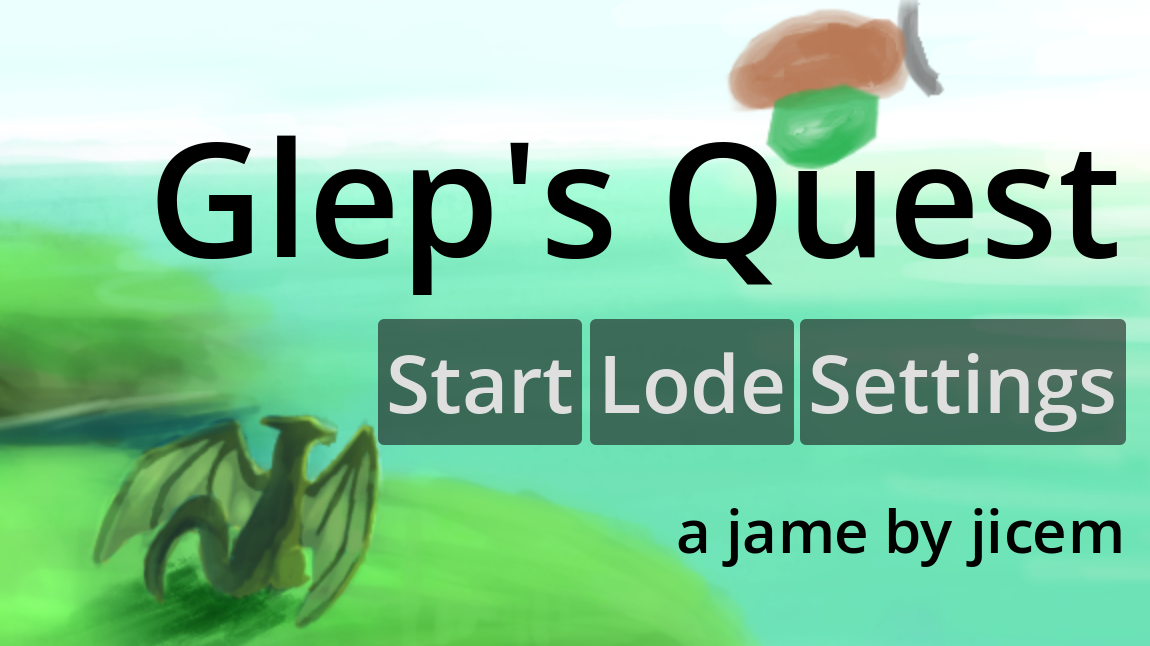
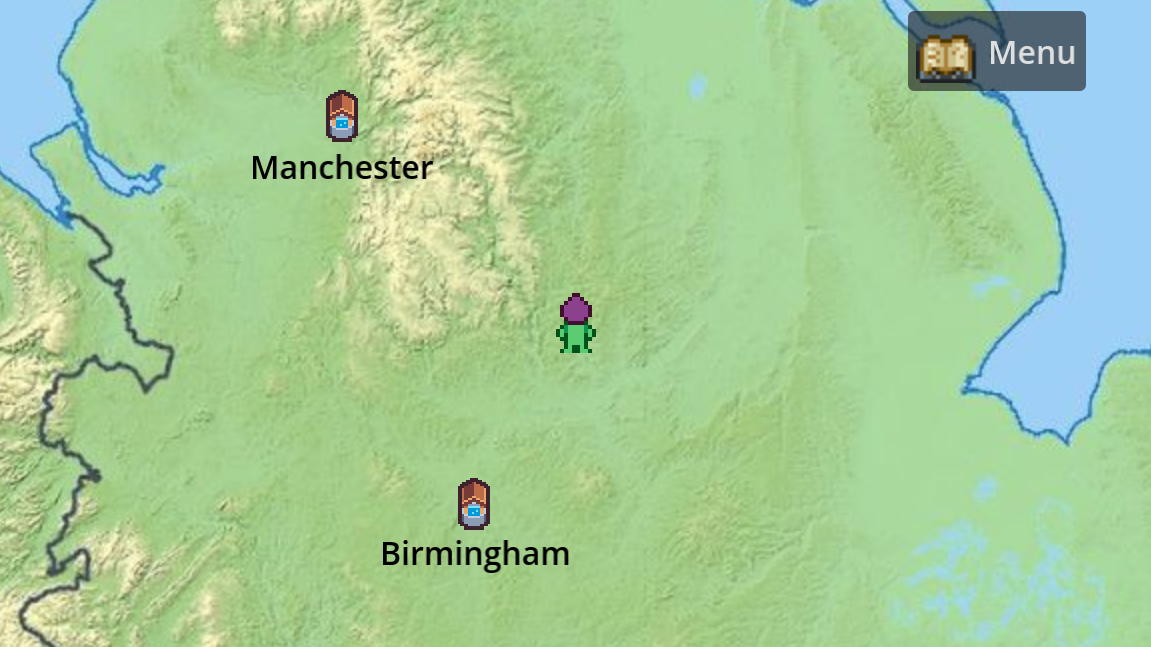
Explore the mythical lands of England, Wales, and Scotland in Glep's Quest, a PC/browser port of the hit SNES game.
Controls: WASD to move, spacebar to interact with your environment, esc to skip cutscenes
The game has partial controller support, as anything you can do with a keyboard you can do with a controller as well, but interactions with the UI will require a mouse, trackpad, or touchscreen.
Tips from the official Glep's Quest instruction manual that came with every copy of the SNES original
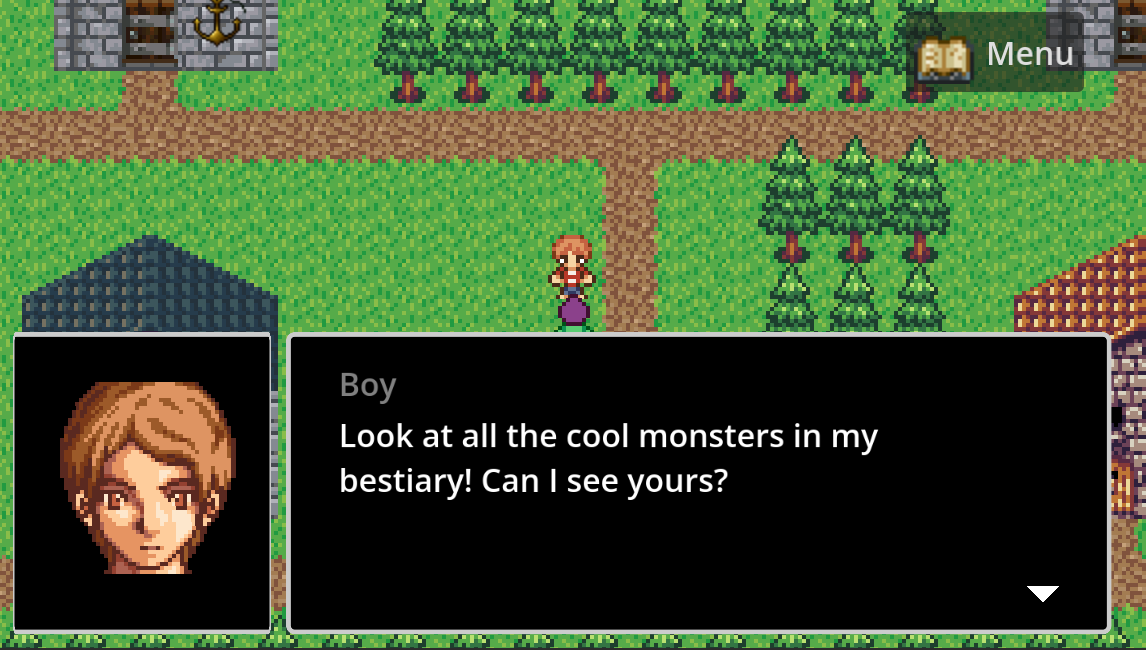
If you want the most grind-free experience, select English as your class and buy a sword as soon as possible. If you want a traditional sweaty RPG experience, select Social Studies as your class. The other two classes are somewhere in between. Talk to every NPC to learn where to go next. Interact with everything you can to see everything the game has to offer.Credits
Art CreditsGodot intro and overworld sprites by Kenney (Kenny.nl)
Title screen art modified from art by Cup of Tea
Character sprites including Glep base and face art by Charles Gabriel. Commissioned by OpenGameArt.org (http://opengameart.org)
Castle interior by Gary Shaw
Other interiors by Stephen "Redshrike" Challener
Interior items and attack animations by Jetrel
Cave art by MrBeast. Commissioned by OpenGameArt.org (http://opengameart.org)
Rock sprite by Yevhen Babiichuk (DustDFG)
Opening scroll art by drummyfish
Closing scroll art by Onsemeliot
Town Art by Lanea "Sharm" Zimmerman, Redshrike, Carl "Surt" Olsson, and Jetrel, for OpenGameArt.org (http://opengameart.org)
Towyn Art by Hyptosis, licensed CC-By-3.0
Snow animation created by Jordan Irwin (AntumDeluge)
"[LPC] Monsters" by Charles Gabriel, bagzie, and bluecarrot16. License: CC-BY-SA 3.0+ or GPL 3.0+. https://opengameart.org/content/lpc-monsters https://opengameart.org/content/liberated-pixel-cup-lpc-base-assets-sprites-map-... https://opengameart.org/content/bat-sprite
"[LPC] Crops" by bluecarrot16, Daniel Eddeland (daneeklu), Joshua Taylor, Richard Kettering (Jetrel). Commissioned by castelonia. CC-BY-SA 3.0 / GPL 3.0 https://opengameart.org/content/fruit-and-veggie-inventory https://opengameart.org/content/lpc-crops
Horse and goat sprites by bluecarrot16 (http://opengameart.org/content/lpc-horses)
[LPC] Centipede by FiveBrosStopMosYT, licensed CC-By-3.0/4.0. Special thanks to bluecarrot16, bzt, and Ragnar Random
LPC Frogman by Redshrike (https://opengameart.org/content/tower-defense-prototyping-assets-4-monsters-some-tiles-a-background-image) and Evert (https://opengameart.org/content/lpc-frogman)
Bird sprites by bluecarrot16 (http://opengameart.org/content/lpc-birds)
Fox sprite by hdst
Whale model by frozeninice
Shield designs by hernandack
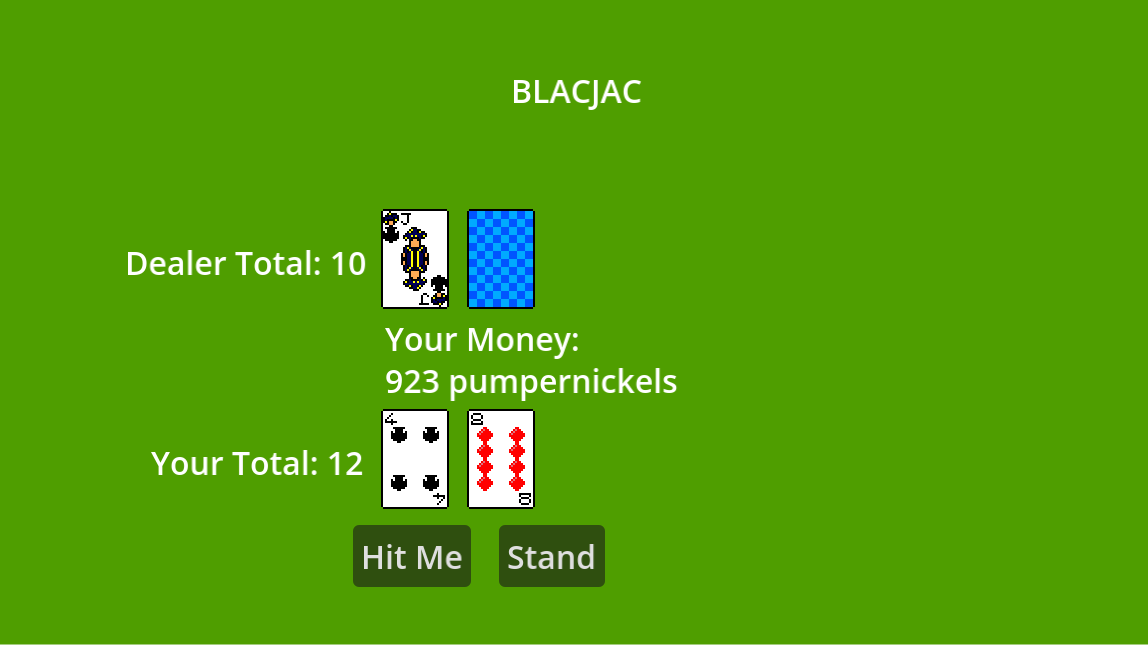
Blackjack art by chasersgaming
Dragon sprite by Leonard Pabin
Trophy sprite from CC0 collection by AntumDeluge
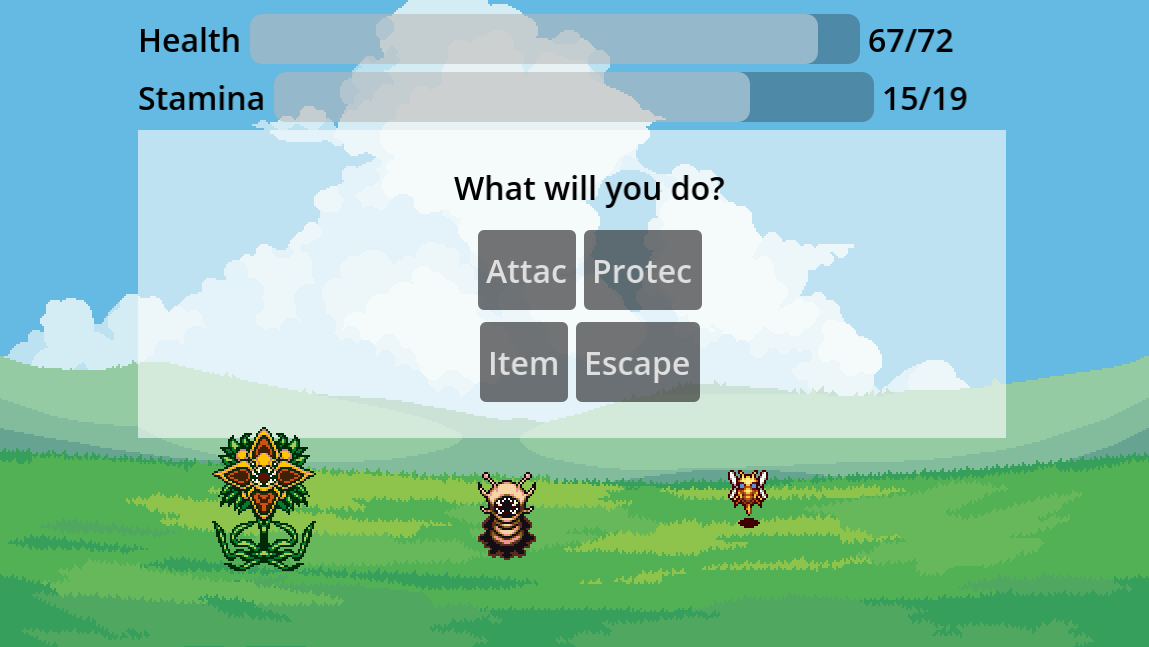
Battle backgrounds and pirate-themed art from craftpix.net
Scottish king portrait from toppng
Audio Credits
Songs From An Unmade World by Josie Brechner (Visager)
License: CC BY 4.0
Source: Free Music Archive
Songs Used:
1. Title Theme
2. Castle Theme
3. Shrine
4. The Great Forest
5. Windy Bluffs
7. Ice Cave
8. Airship
9. Dark Sanctum (Boss Fight)
10. Village Dreaming
11. The Final Road
Songs From An Unmade World 2 by Josie Brechner (Visager)
License: CC BY 4.0
Source: Free Music Archive
Songs Used:
1. Welcome Player!
2. Royal Entrance
3. Throne Room
4. Factory Time
5. Battle!
6. Haunted Forest
8. Winter Village
9. We Can Do It!
10. The Plateau at Night
11. Eerie Mausoleum
12. Miniboss Fight
13. Inside the Tower
14. Final Sacrifice
15. Epilogue
16. End Credits
Songs From An Unmade Forest World by Josie Brechner (Visager)
License: CC BY-SA 4.0
Source: Free Music Archive
Songs Used:
5. Roots
6. Overgrown Labyrinth
10. In the Branches
Blackjack Music: If Pigs Could Sing (CC BY 3.0) by Rolemusic
Ocean waves Smygehuk 2.wav by Owl -- https://freesound.org/s/195294/ -- License: Attribution 4.0
Code for dialogue boxes and volume control by Nathan Hoad.
Smiling Friends was created by Zach Hadel and Michael Cusack for Adult Swim. This is a free fanmade project created out of passion/autism.
Download
Install instructions
For Windows, extract the zip file to a folder and run Glep's Quest.exe from that folder. For Linux, run Glep's Quest.x86_64 after extraction.
To install the game on a Steam Deck, follow these instructions. It's recommended that you run the game in gaming mode or switch to fullscreen through the game's settings if you're playing on the SD or any similar handheld PC.
Leave a comment
Log in with itch.io to leave a comment.